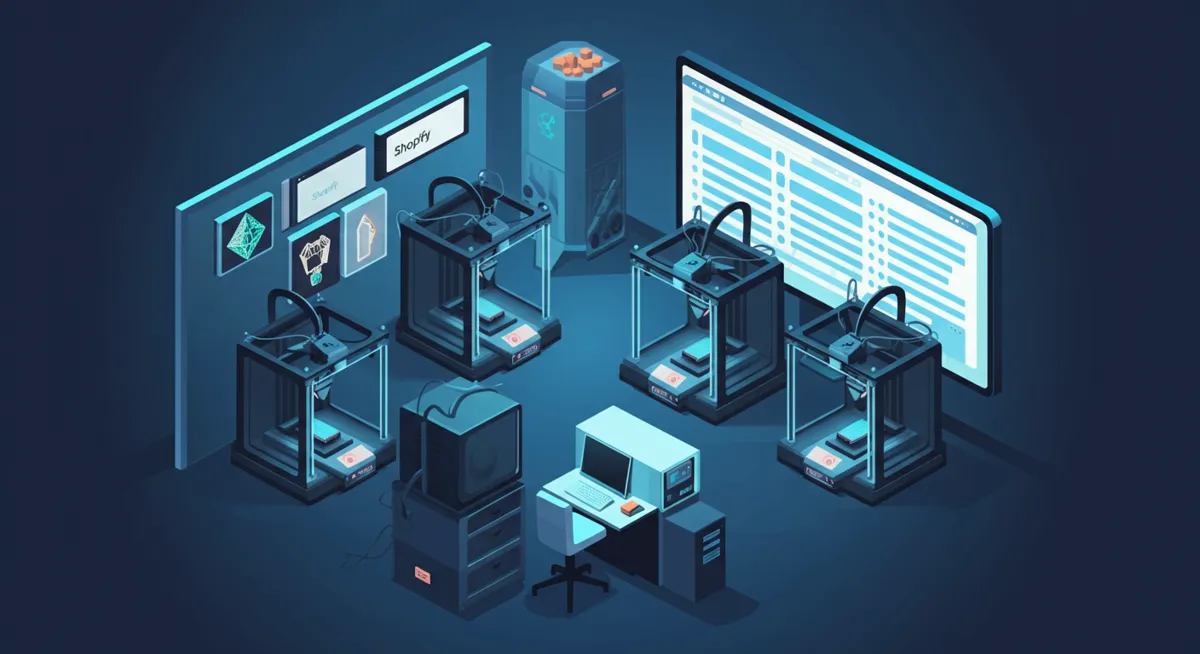
The traditional manufacturing model requires you to predict demand, produce inventory in bulk, and hope you sell it before it becomes obsolete. On-demand 3D printing flips that model entirely. You produce exactly what your customers order, exactly when they order it, with zero unsold inventory sitting on shelves. Combined with a Shopify storefront, this approach lets you run a manufacturing business with remarkably low risk and overhead.
This guide walks you through the complete workflow of selling on-demand 3D printed products through Shopify, from setting up your store to automating production across a print farm using SimplyPrint and SimplyPrintSync.
Why On-Demand 3D Printing Works for E-Commerce
On-demand manufacturing with 3D printers solves several problems that traditional product businesses struggle with. The first is inventory risk. A conventional product seller must commit capital to manufacturing before a single unit is sold. If the product does not sell, that capital is lost. With on-demand 3D printing, production only begins after payment is received. Your financial exposure on any given product is essentially zero.
The second advantage is variety. Because 3D printers work from digital files rather than physical molds or tooling, adding a new product to your catalog costs nothing beyond the time spent designing it. A Shopify store selling 3D printed products can offer hundreds of SKUs without the warehouse space or upfront investment that would require in traditional manufacturing. This makes it possible to serve niche markets profitably — custom miniatures, specialized brackets, replacement parts for discontinued products, architectural models, and countless other categories where demand exists but volumes are too low for injection molding.
The third advantage is iteration speed. If a customer suggests an improvement or you spot a design flaw, you can update the file and every subsequent order ships with the improved version. There is no old stock to clear out first.
Setting Up Your Shopify Store for 3D Printed Products
Your Shopify store is the customer-facing layer of your on-demand 3D printing operation. The setup is straightforward, but a few decisions early on will save you significant effort later.
Product listings should clearly communicate material, dimensions, and expected print quality. Customers buying 3D printed products are generally more technically aware than average, and they appreciate specifics. Include the material (PLA, PETG, ABS, resin), layer height, infill percentage if relevant, and approximate weight. High-quality product photos showing actual prints — not just renders — build trust and reduce returns.
Variants deserve careful thought. If you offer a product in multiple colors or materials, each Shopify variant should map to a specific print configuration. This mapping becomes critical when you automate production, because the automation system needs to know which file and which printer group to use for each variant. Plan your variant structure with automation in mind from the beginning, and you will avoid painful restructuring later.
Shipping expectations also need attention. On-demand production means there is a manufacturing delay between order and shipment. Be transparent about this. A production time of one to three business days is typical for FDM prints, and customers accept it readily when it is communicated upfront. Shopify's order confirmation emails can be customized to reinforce this timeline.
Building Your Print Farm for On-Demand Production
A single 3D printer can handle a handful of daily orders. But as volume grows, you need a print farm — multiple printers operating in parallel, managed through a centralized system. SimplyPrint is purpose-built for this. It gives you a single dashboard to monitor every printer, queue jobs, track progress, and manage failures across your entire fleet.
The key to a productive print farm is organization. Group your printers by capability — FDM printers by material and nozzle size, resin printers by resolution. In SimplyPrint, printer groups let you route jobs to the right machines automatically. A customer orders a detailed miniature? That job goes to your resin group. A functional bracket in PETG? That routes to your PETG-loaded FDM printers. This routing eliminates the daily decision-making about which printer should run which job.
Reliability matters more than speed in an on-demand context. A printer that completes jobs at 95% success rate is far more valuable than one that prints 20% faster but fails every fifth job. Invest in proven, reliable machines and maintain them on a schedule. Downtime costs you orders.
Automating the Order-to-Print Pipeline
The connection between your Shopify store and your print farm is where most on-demand 3D printing businesses lose efficiency. Without automation, every order requires manual intervention: someone has to open Shopify, check the order details, find the correct file, open SimplyPrint, create a job, set the parameters, and assign it to a printer group. At ten orders a day, this is tedious. At fifty, it is unsustainable.
SimplyPrintSync eliminates this manual step entirely. When a customer completes a purchase on your Shopify store, SimplyPrintSync automatically creates the corresponding print job in SimplyPrint. The correct file is attached, the quantity is calculated based on how many units fit per print run, and the job is assigned to the appropriate printer group. The entire process happens without human involvement.
The setup works through product mappings. For each Shopify product or variant, you configure which print file to use, which printer group to target, and how many units each print produces. Once configured, every future order for that product flows through automatically. You configure once, and the system handles the rest — whether you receive five orders or five hundred.
Managing Quality at Scale
Automation handles the logistics, but quality remains a human responsibility. Every print that ships to a customer should pass a visual inspection. This is non-negotiable for building a sustainable business. A single defective shipment can generate a negative review that costs you dozens of future sales.
Establish a simple quality checklist: layer adhesion, dimensional accuracy, surface finish, support removal cleanliness, and correct color or material. Keep rejected prints and photograph them for your records — patterns in failures often point to maintenance needs or slicer settings that need adjustment.
SimplyPrint's job tracking helps here. Because every job is logged with its printer, time, and status, you can correlate quality issues with specific machines or time periods. If printer seven starts producing rougher surfaces, you can catch it early and perform maintenance before it affects more orders.
Pricing On-Demand 3D Printed Products
Pricing on-demand products requires accounting for material cost, machine time, electricity, labor for post-processing and quality checks, packaging, shipping, and platform fees. A common mistake is underpricing by only considering filament cost. Filament is typically the smallest component of the true cost per unit.
A practical formula: calculate your total monthly operating cost (rent, electricity, filament, subscriptions, your time) and divide by the number of units you can realistically produce. That gives you your cost per unit. Apply a margin that accounts for failed prints, returns, and profit. Most successful on-demand 3D printing businesses operate at 40-60% gross margins.
Shopify makes it easy to test pricing. You can adjust prices, run sales, and analyze conversion rates through Shopify's built-in analytics. Use this data to find the price point where volume and margin optimize together.
Scaling from Side Project to Full Business
The beauty of on-demand 3D printing with Shopify is that it scales incrementally. You can start with a single printer and a handful of products, validate demand, and add capacity only when orders justify it. There is no minimum viable scale — even one printer producing a few orders per week is a viable starting point.
As you grow, the bottleneck shifts from production capacity to workflow efficiency. This is precisely where automation pays for itself. Manual order processing that takes five minutes per order becomes a full-time job at sixty orders per day. With SimplyPrintSync handling order-to-print automation, you can scale to hundreds of daily orders without adding administrative staff. Your team focuses on what machines cannot do: quality control, customer service, product development, and business strategy.
The path from a few printers in a spare room to a professional print farm is well-traveled. Shopify provides the storefront, SimplyPrint manages the production floor, and SimplyPrintSync connects the two. Together, they form a complete on-demand manufacturing stack that scales with your ambition.