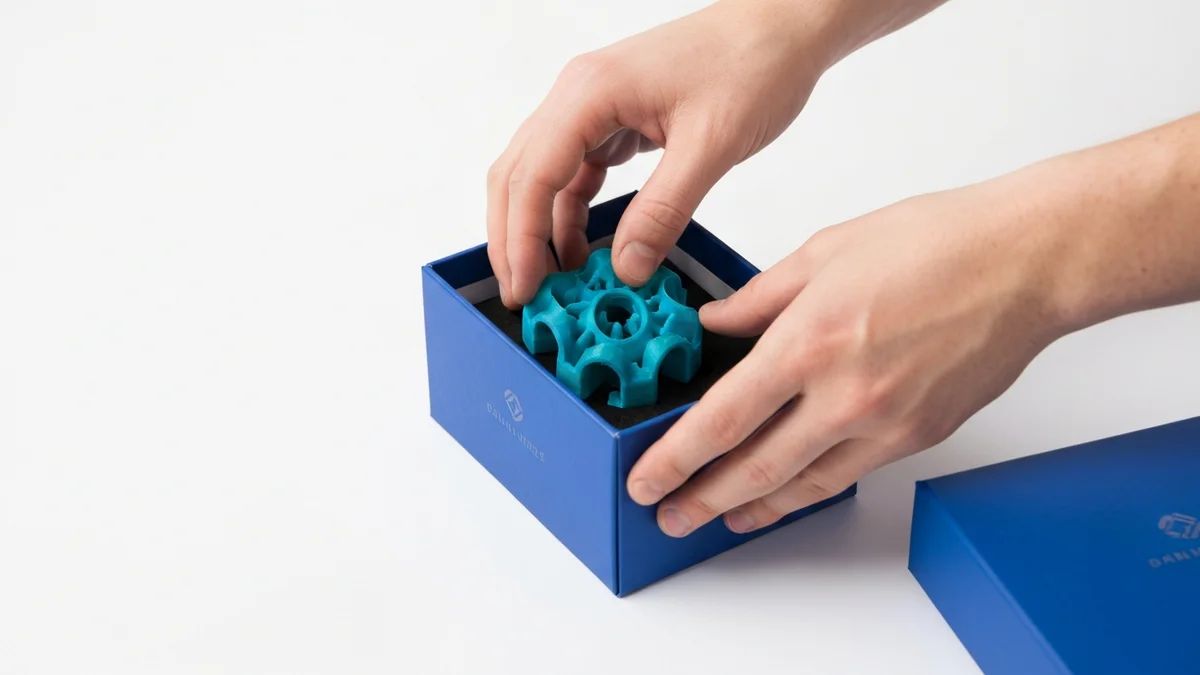
For a 3D printing shop, order fulfillment does not start at the packing table — it starts before the printer is even turned on. The entire chain of steps from order confirmation to shipment dispatch depends on getting the right file to the right printer in the first place. That first step, which used to require manual action every time, is exactly where automation delivers the most value.
The 3D Printing Fulfillment Workflow
The full fulfillment workflow for a made-to-order 3D printing business has five stages, and understanding each one helps identify where automation can help:
- Receive order. A customer pays in your Shopify store. The order details — products, variants, quantities, shipping address — are captured and need to flow into production.
- Print. The correct file needs to be printed in the correct quantity on the right type of printer. This is the production stage.
- Quality check. Someone inspects the finished prints for defects, stringing, layer adhesion issues, or dimensional problems. This step always needs a human.
- Ship. The inspected prints are packed appropriately, labelled, and handed to the carrier. Shopify handles the customer-facing side of this with tracking notifications.
- Mark fulfilled. The order is marked as fulfilled in Shopify, triggering the customer's shipment notification email.
Of these five stages, only quality check and packing genuinely require human judgment. The others can be fully or partially automated.
Where Automation Helps Most
The single most time-consuming manual step in most 3D printing shops is the handoff from order received to print job created. Someone has to open SimplyPrint, find the correct file, enter the quantity, choose the printer group, and create the job. Multiply that by every order, every day, and it becomes a significant operational cost.
SimplyPrintSync automates this handoff entirely. The moment Shopify registers a paid order, SimplyPrintSync reads the order line items, looks up each product's configured print file and printer group, applies the yield calculation (order quantity divided by the number of units produced per print run), and creates the corresponding job in SimplyPrint. The whole process completes in seconds with no human involvement.
This is the highest-leverage automation available to a 3D printing shop because it removes the only mandatory manual step that occurs before production can even begin. Every other bottleneck downstream — printing, quality checking, packing — at least involves physical work. Job creation is pure data entry, and data entry is exactly what automation is built for.
Sync Logs as Your Audit Trail
One concern with automating production workflows is losing visibility. When a human creates print jobs manually, they implicitly know what was created and when. Automation can feel like a black box.
SimplyPrintSync addresses this with a detailed sync log. Every print job creation is recorded — which order it came from, which product and variant, which file was used, which printer group was assigned, and exactly when the job was created. This log is always visible inside the app and gives you a complete audit trail of your production history.
The sync log is also practically useful beyond auditing. If a customer contacts you about their order, you can check the log in seconds to confirm whether a job was created and when it entered the queue. There is no need to search through SimplyPrint's job history separately — the connection between the Shopify order and the SimplyPrint job is captured in one place.
Error Handling When Sync Fails
Automation is only as good as its failure handling. If SimplyPrint is temporarily unreachable, or if a product mapping is missing, SimplyPrintSync logs the error rather than silently failing. You can see immediately which orders did not sync and why, and you can manually trigger a retry once the issue is resolved.
This visibility is critical for a production business. Silent failures — where a sync fails without any record — are the most dangerous kind because they lead to orders that never get printed and customers who never receive their items. SimplyPrintSync's approach ensures that every failure surfaces in the log, giving you the information you need to intervene quickly.
Start Automating Your Fulfillment
The fastest way to see how this works is to try it with your own products and orders. SimplyPrintSync installs directly from the Shopify App Store. The Free plan allows 10 print job creations per month at no cost — enough to run a genuine test across multiple products and order types. If your shop processes more volume, the Basic plan ($5/month) covers up to 100 jobs, and the Professional plan ($20/month) removes all limits. Every plan includes a 30-day free trial with access to all features, including sync logs and Advanced mode.